 DocuAssist.AI Guide
Send documents for review
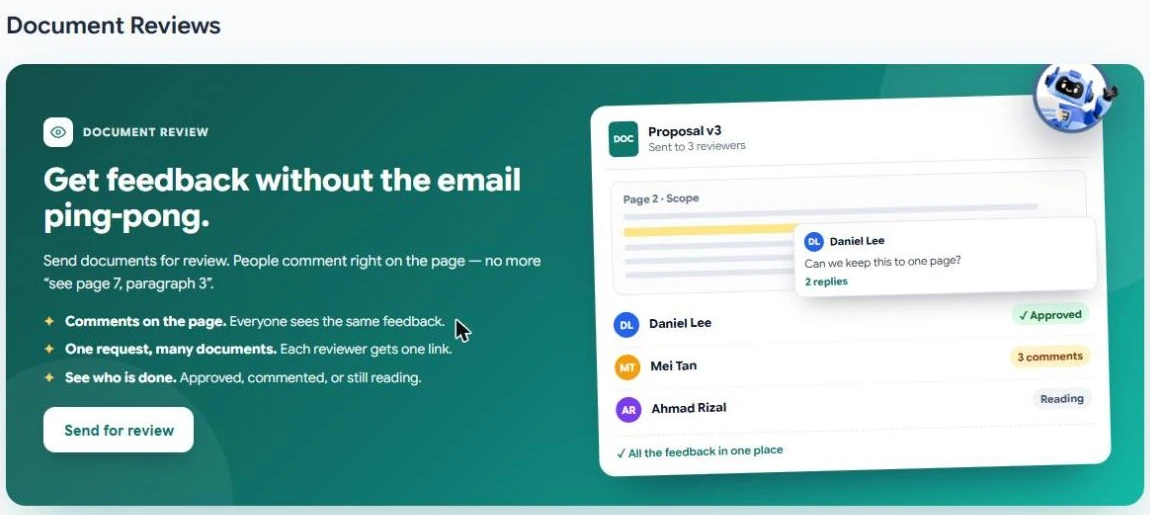
A review request asks people to read one or more documents and comment on them. Reviewers leave their comments on the page itself, so everyone sees the same feedback in one place instead of a long email thread.
Before you start
- You can send PDFs, or whole folders of PDFs, for review.
- The free Basic plan includes a few review requests; paid plans include unlimited requests. Each reviewer uses credits. See Credit rates.
Send a review request
- Start a request
Select Send → For Review in the menu, then Send for review (or New Review Request once you have sent one).
- Choose the documents
Select Select Documents and pick one or more PDFs or folders. Select Add / Change Documents to change them later.
- Add reviewers and a message
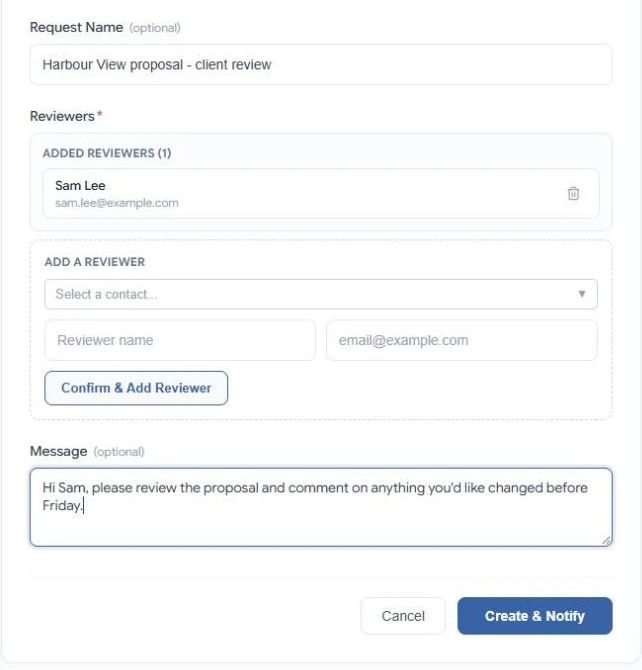
Give the request a name, add each reviewer from your contacts or by name and email, and select Confirm & Add Reviewer. Add a message to tell reviewers what you need.
- Send
Select Create & Notify. Each reviewer gets an email with a link that opens all the documents in the request.
Follow the review
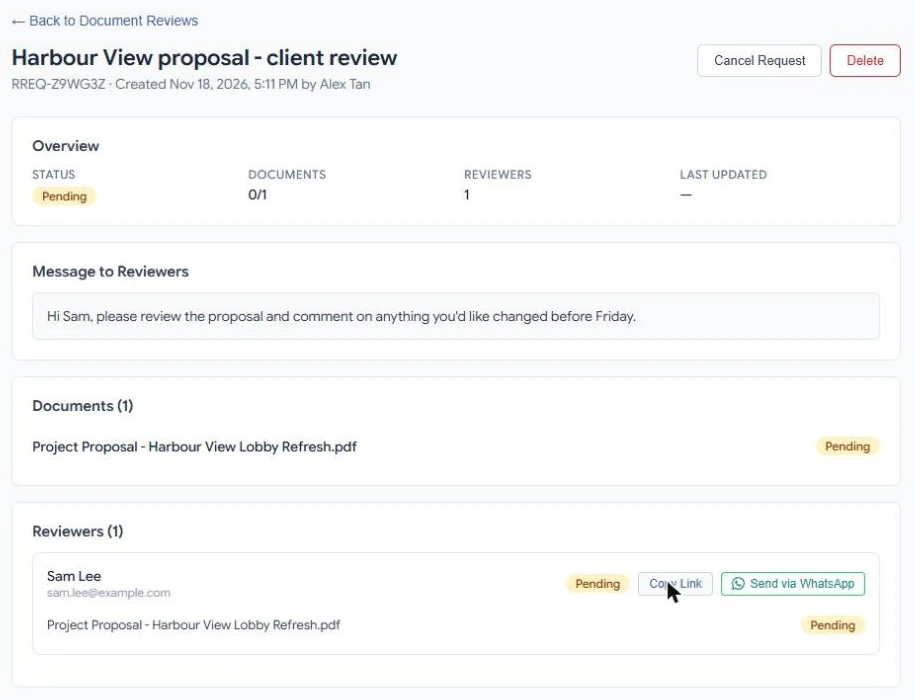
Open the request from Send → For Review. You see its status, your message, each document and each reviewer with their progress.
- Copy Link or Send via WhatsApp to resend a reviewer's link.
- Cancel Request stops the review. Delete removes the request.
Reviewer comments appear on the document straight away. Open the document and select Comments to read and answer them. When every reviewer has finished, the request shows Completed and the document is filed in My Documents → Reviewed Documents.