 DocuAssist.AI Guide
Your profile and picture
Your name and picture show to people you work with: on comments, shared documents, project teams and chats.
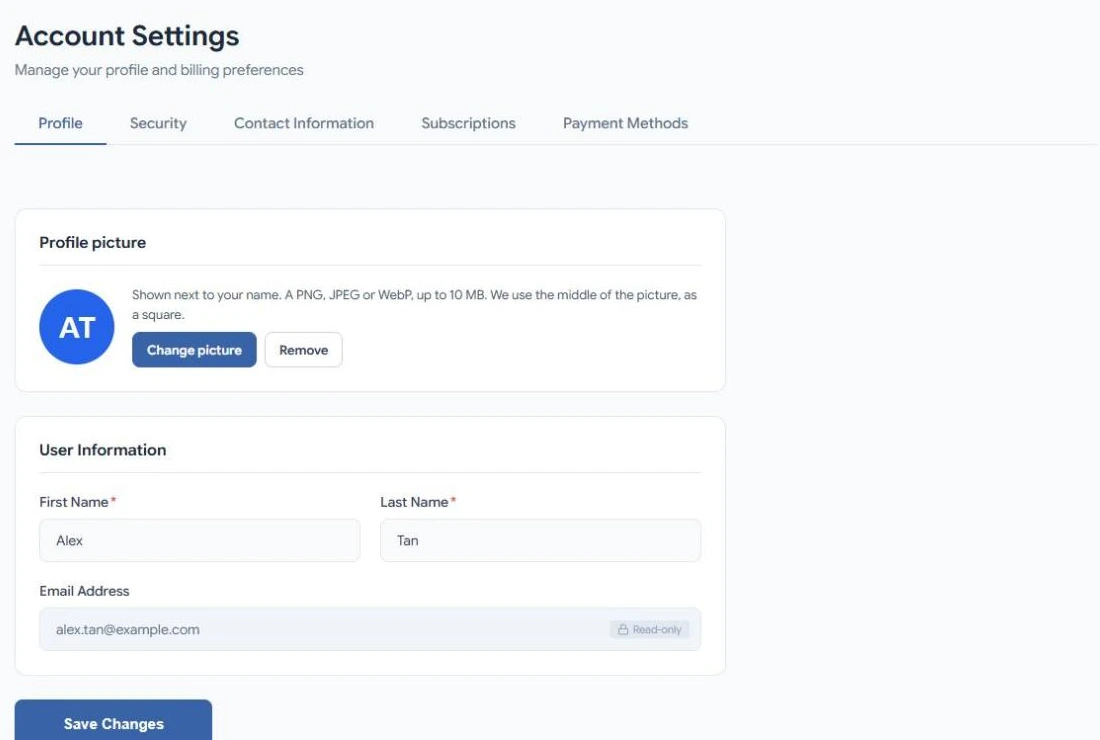
Change your name
- Open your account menu (your picture, top right) and select Account.
- On the Profile tab, change First Name and Last Name.
- Select Save Changes.
Your email address is the one you sign in with and can't be changed.
Add or change your picture
- On Account → Profile, select Change picture.
- Choose a PNG, JPEG or WebP image of up to 10 MB.
DocuAssist.AI uses the middle of the picture, cut to a square. A photo taken on a phone is turned the right way up automatically. Your picture appears straight away in the header and wherever your name shows.
To go back to your initials, select Remove.
Related
Last updated on November 18, 2026