 DocuAssist.AI Guide
Sign up and sign in
You need a DocuAssist.AI account to store and work on documents. The Basic plan is free and needs no card.
Open the sign-in page
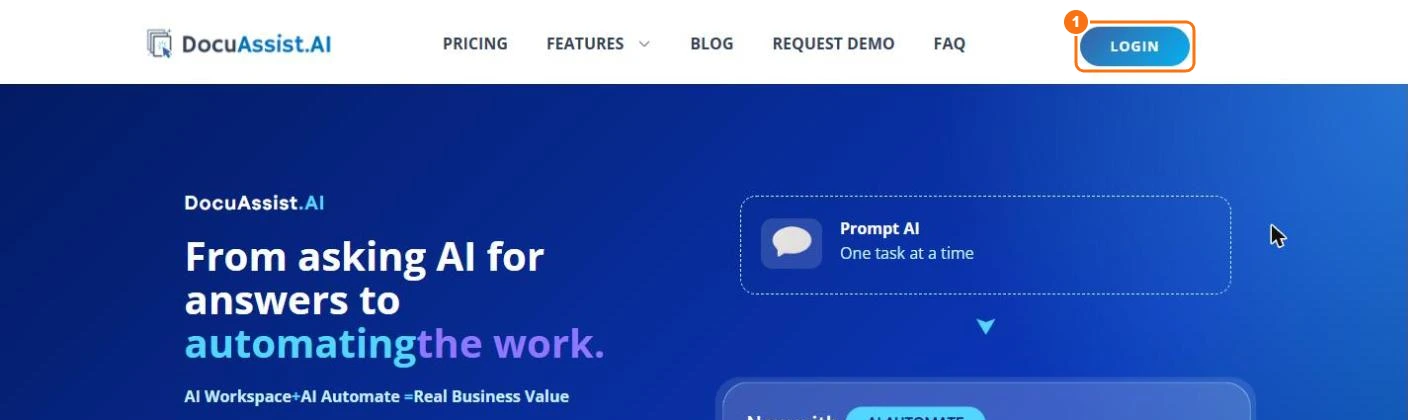
Go to docuassist.ai and select LOGIN (1), or go straight to portal.docuassist.ai.
Sign in
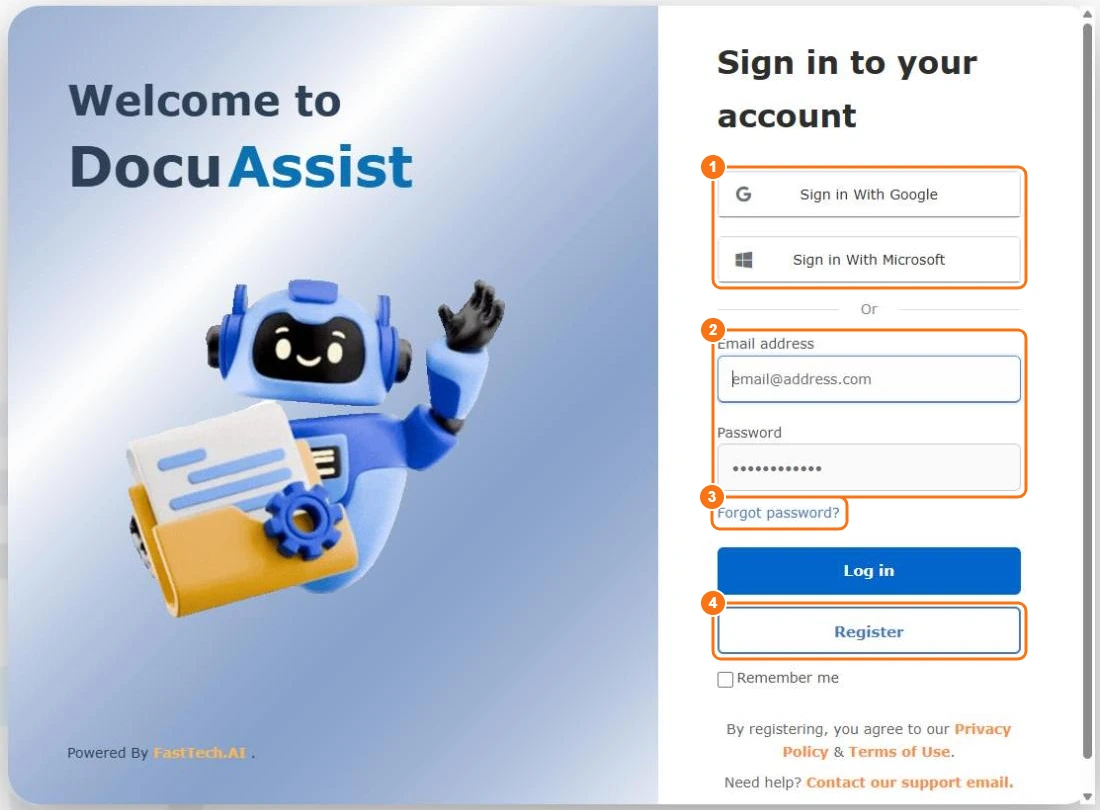
Choose one:
- Sign in With Google or Sign in With Microsoft (1) — use your Google or Microsoft account. No extra password needed.
- Email address and Password (2), then Log in.
Tick Remember me to stay signed in on this device. After signing in you land on your Home.
Create an account
- On the sign-in page, select Register (4).
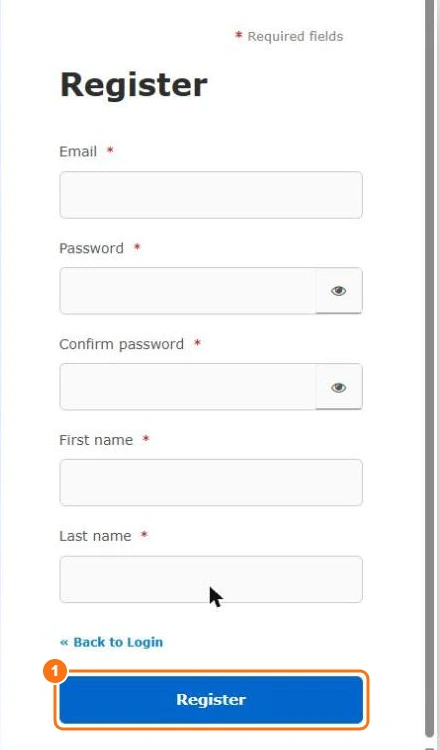
- Enter your email address, a password (twice), and your first and last name.
- Select Register.
Use the email address people will send you documents at: documents shared with you, signing and review requests, and protected documents all arrive in the account with that address.
By registering, you agree to the Terms of Use and Privacy Policy.
New accounts must verify their email address before they can use DocuAssist.AI
Forgot your password?
Select Forgot password? (3), enter your email address, and follow the link in the email to set a new password. If you signed up with Google or Microsoft, reset your password with them instead.
Sign out
Select your picture at the top right, then Sign Out. On a shared computer, always sign out when you finish.